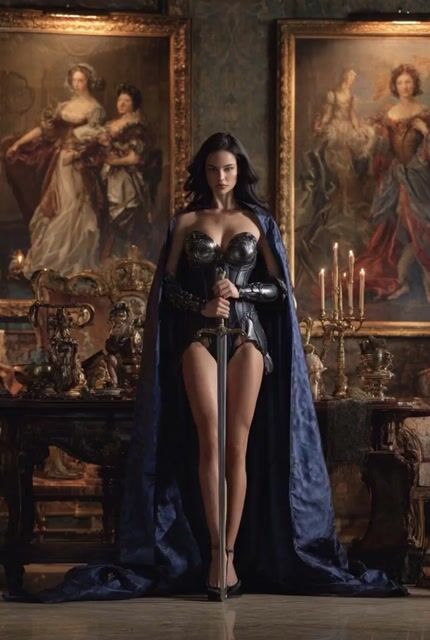
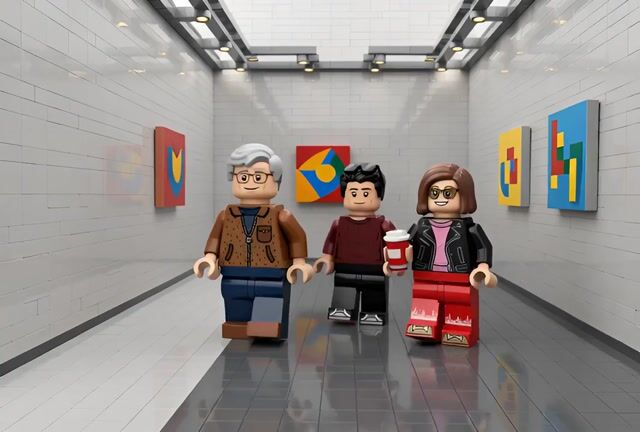
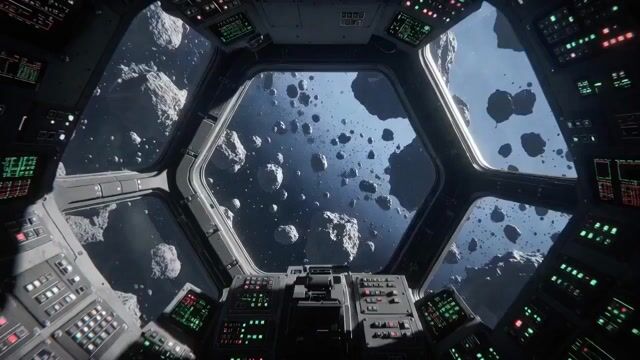
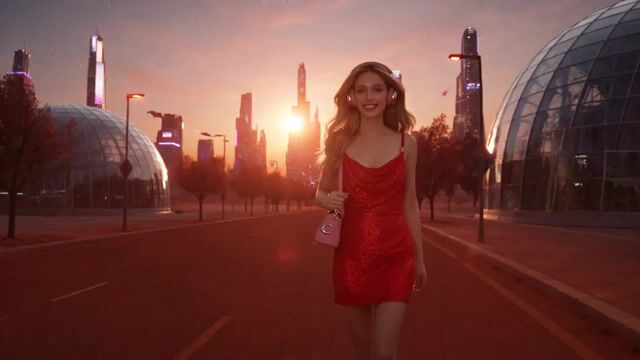
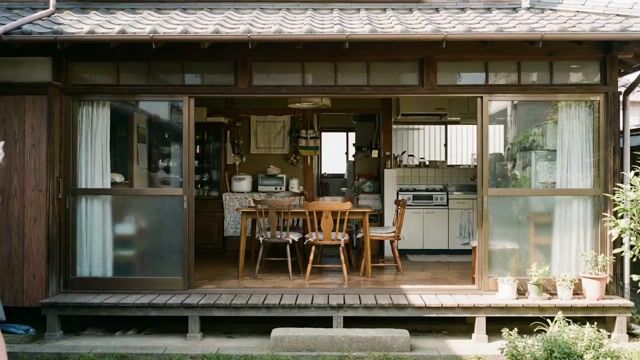
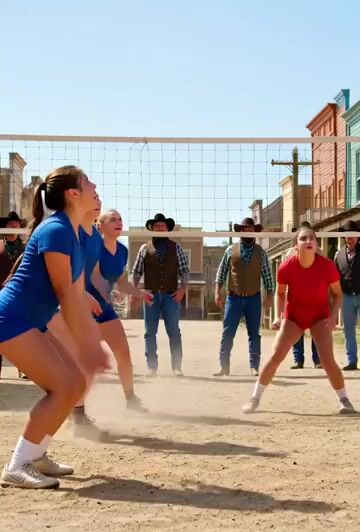
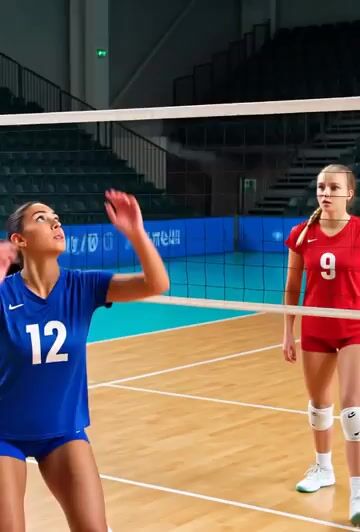
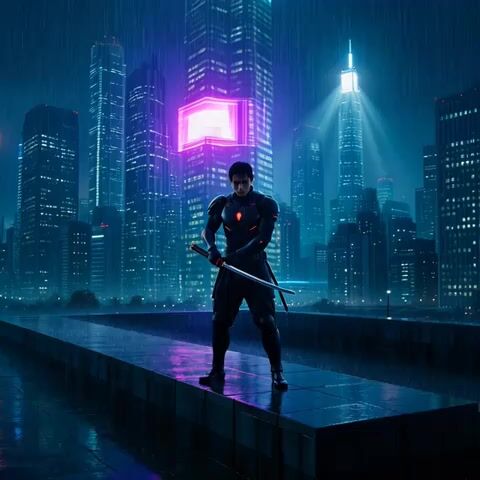
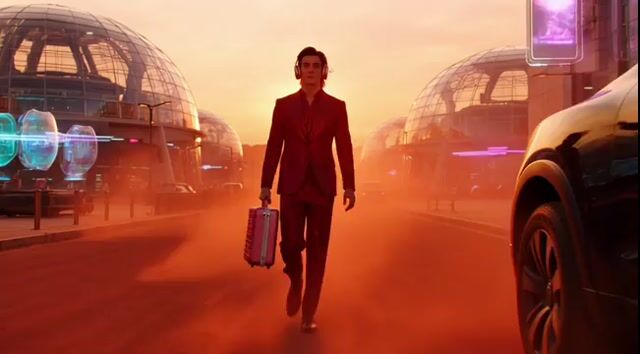
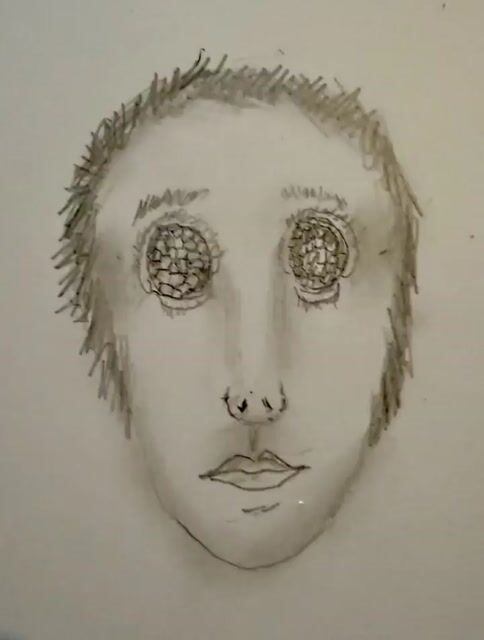
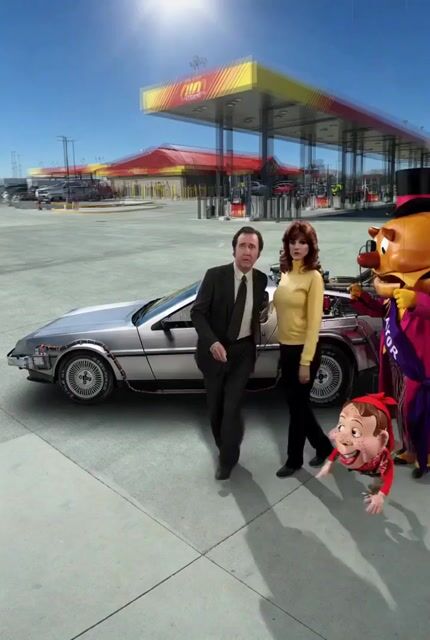
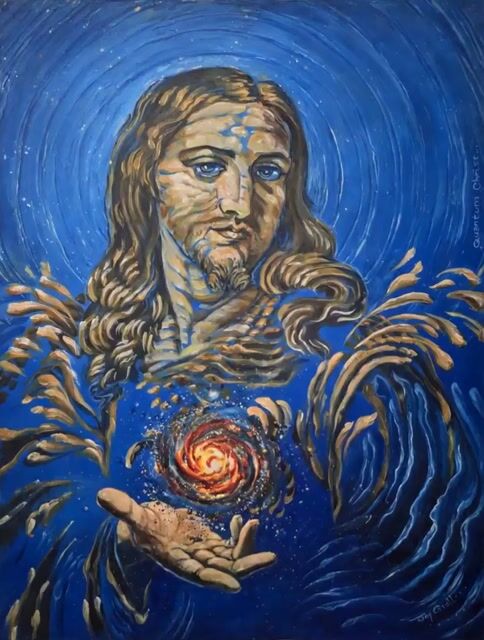
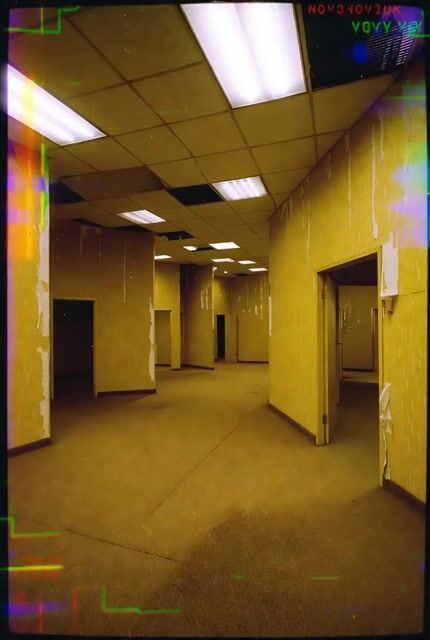
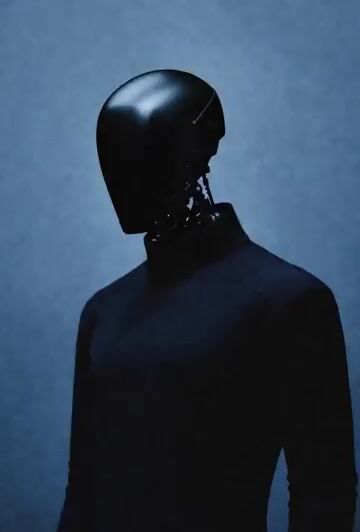
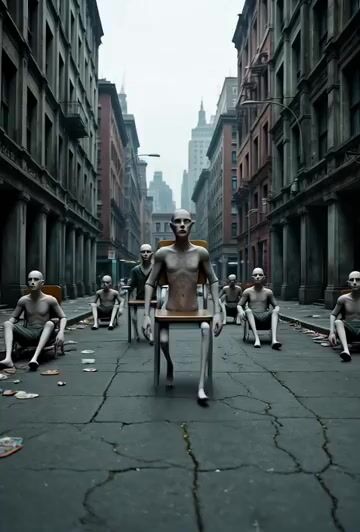
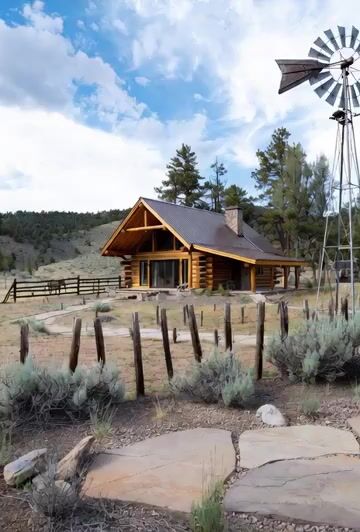
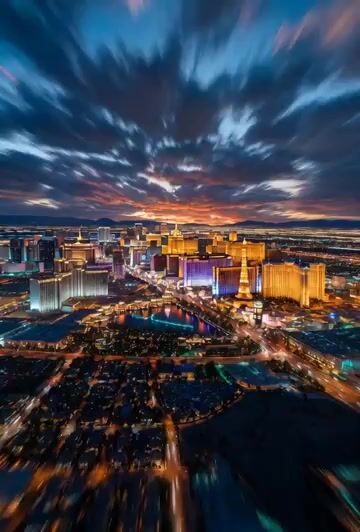
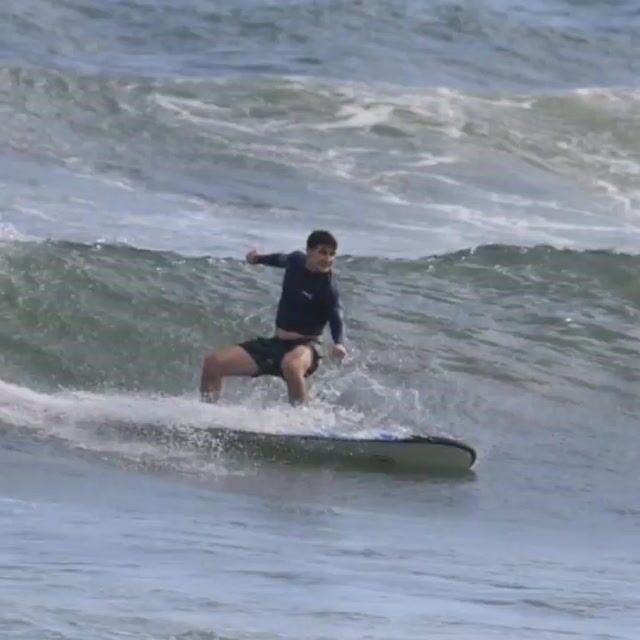
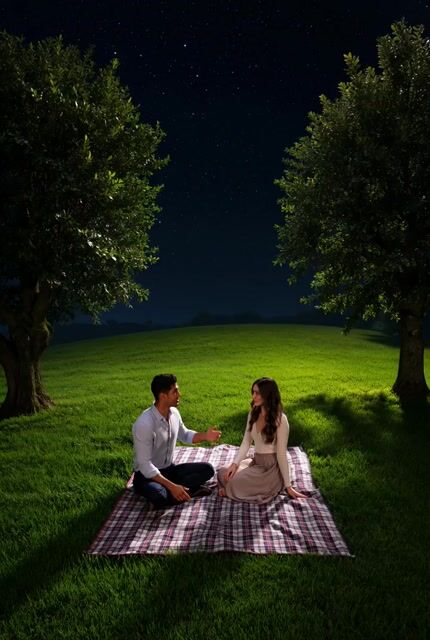
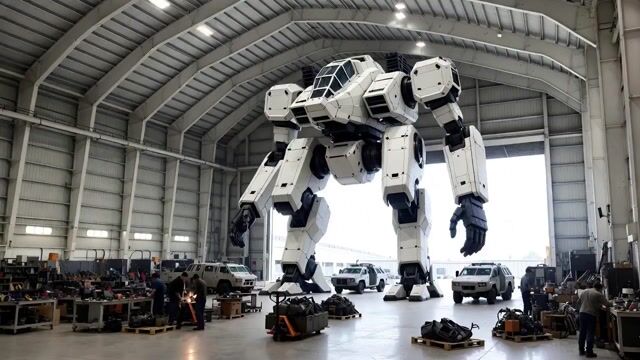
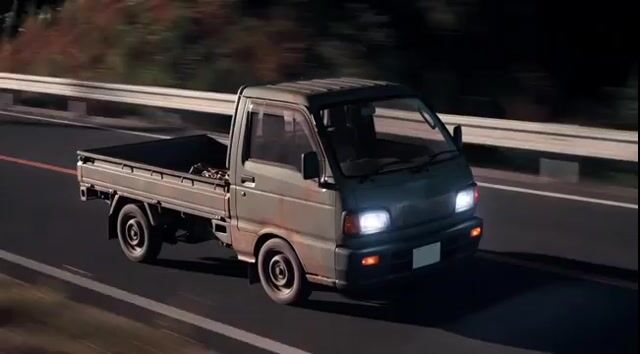
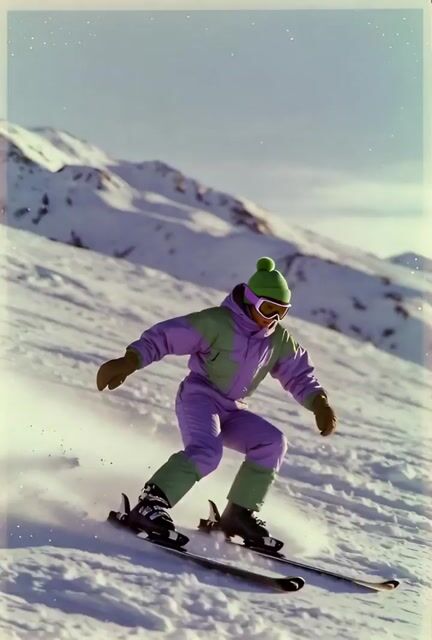
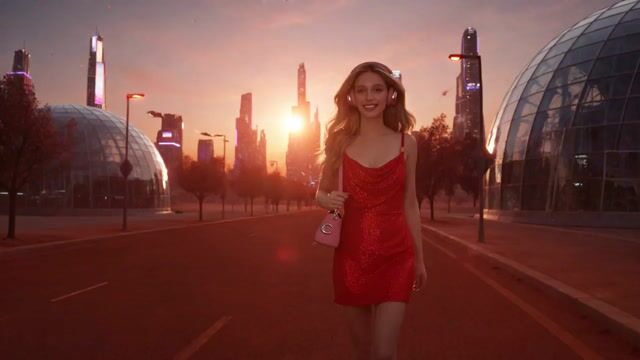
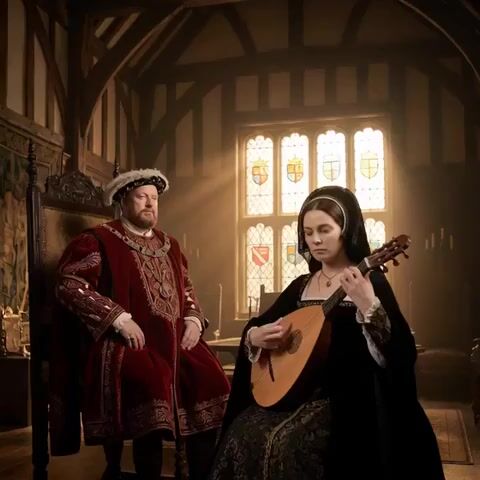
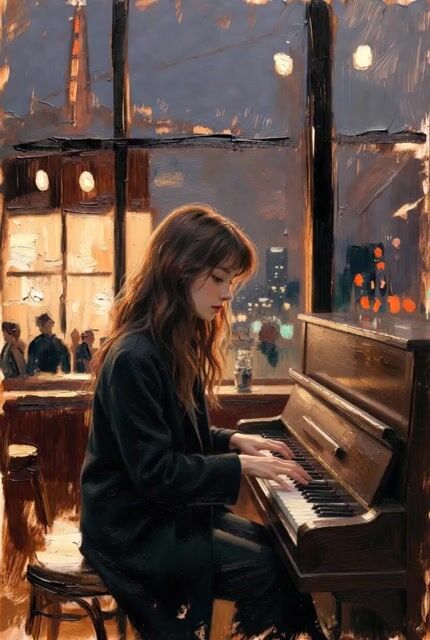
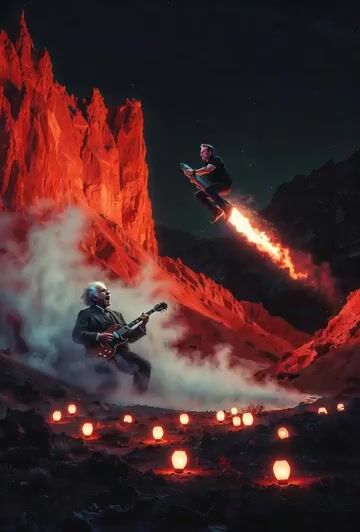
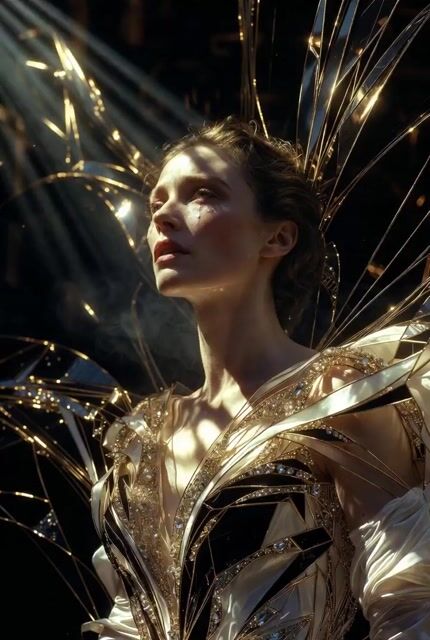
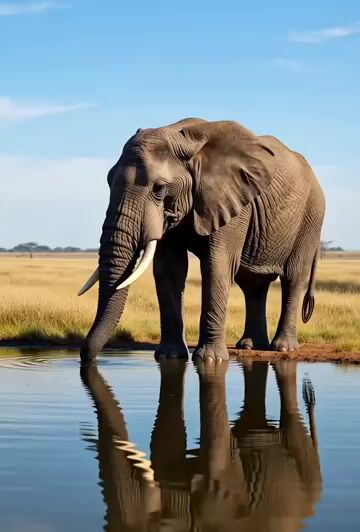
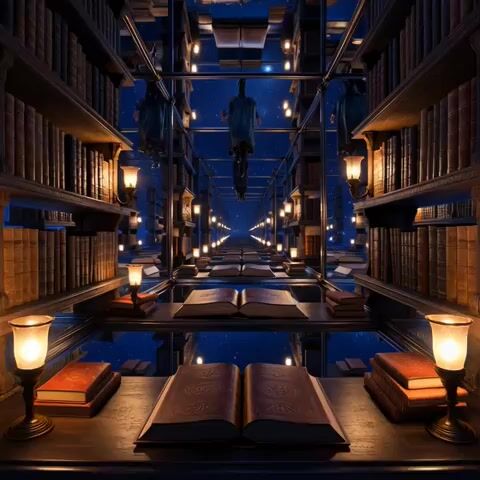
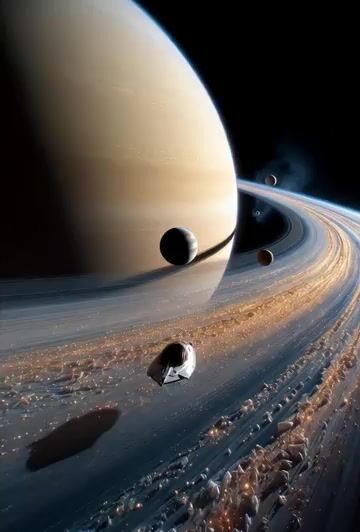
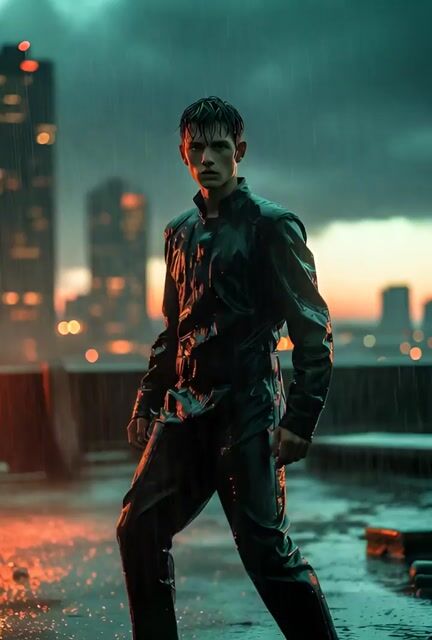
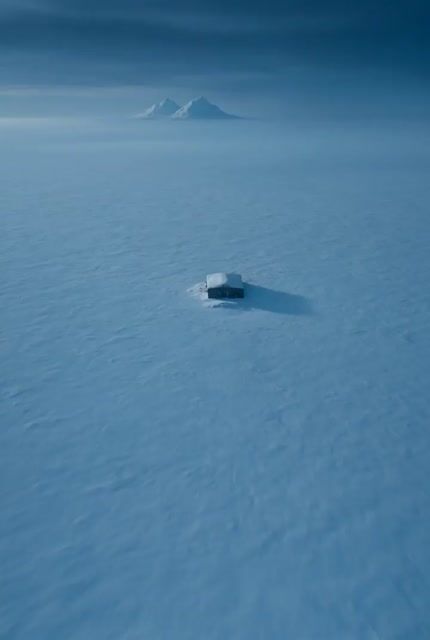
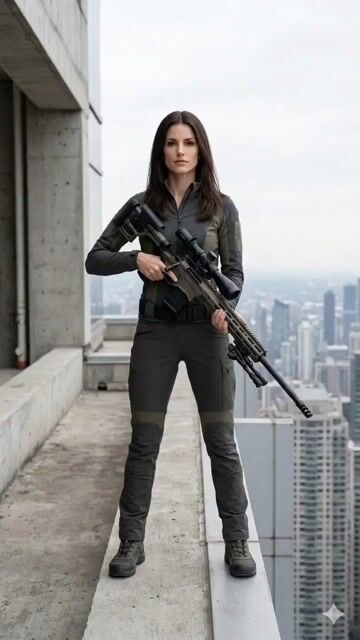
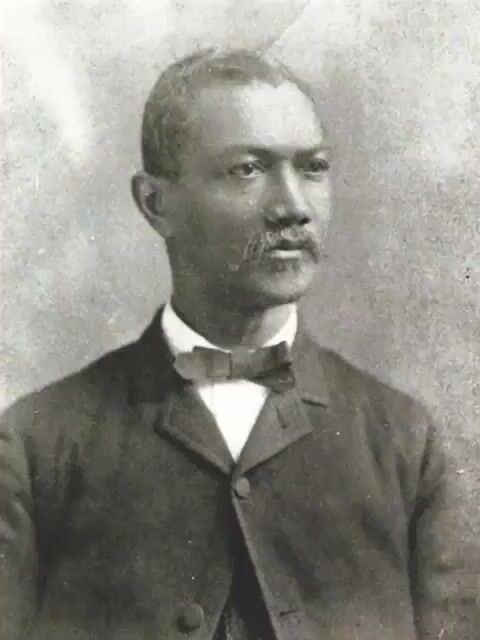
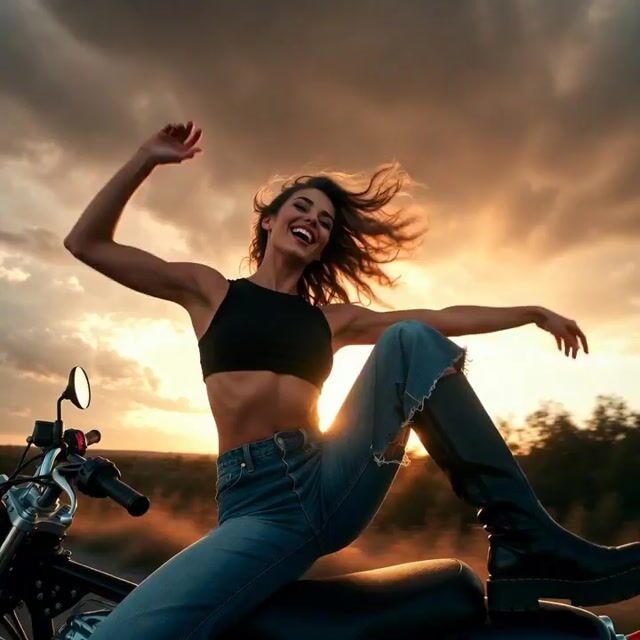
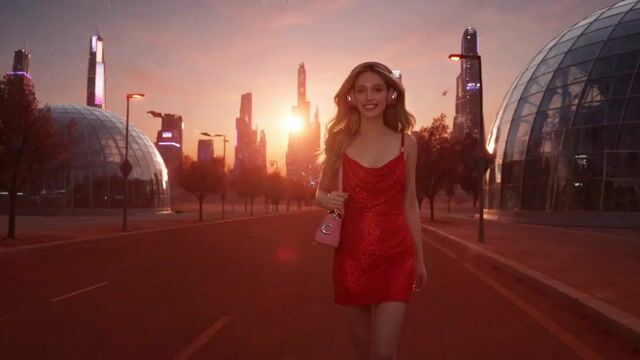
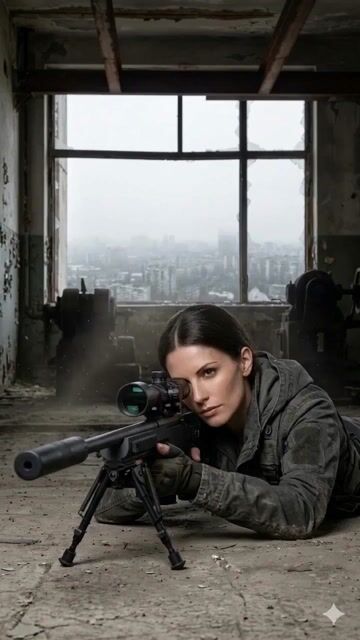
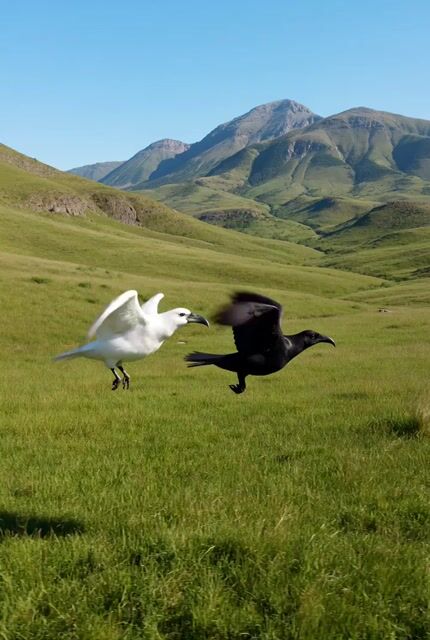
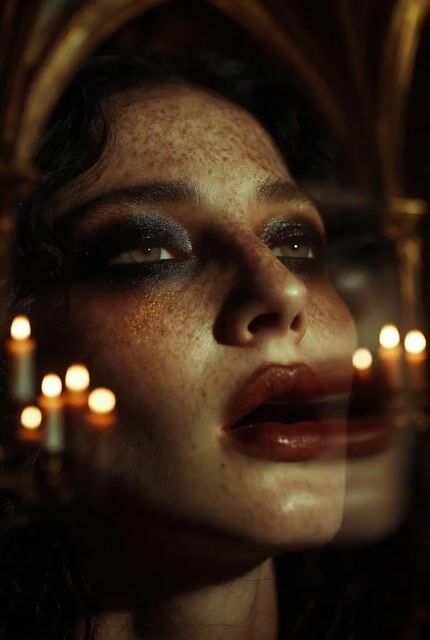
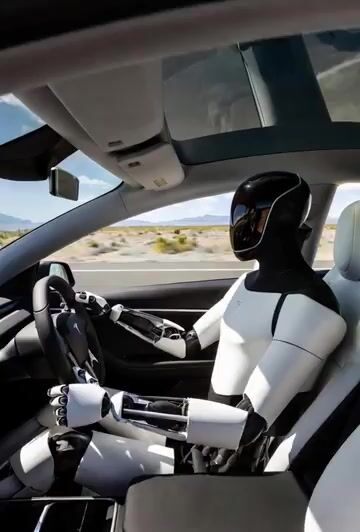
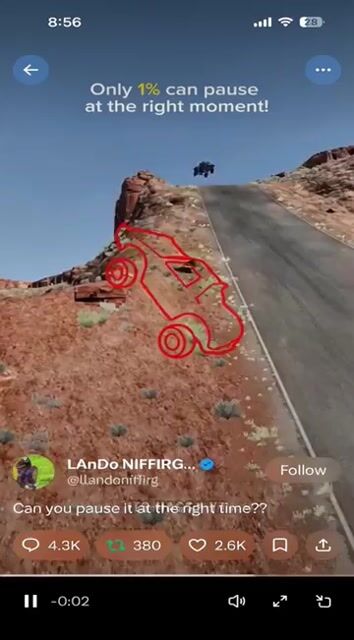
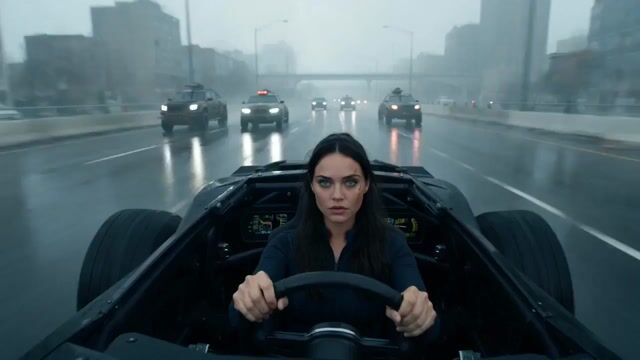
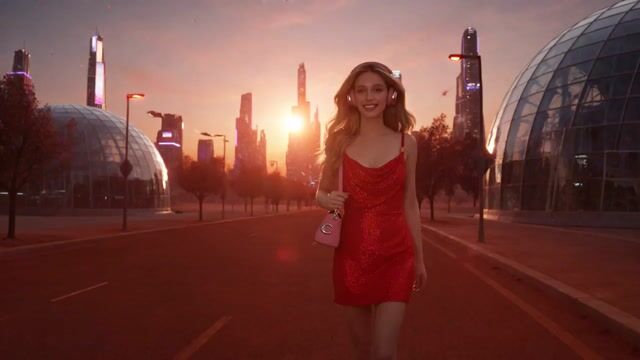
Use the Background of @Image1
What this prompt does: Produces a cinematic video using Grok Imagine. Style cues: cinematic, dramatic. Sourced from a verified fair-citation repository (なお) and reproduced here unchanged with full attribution per the source license.
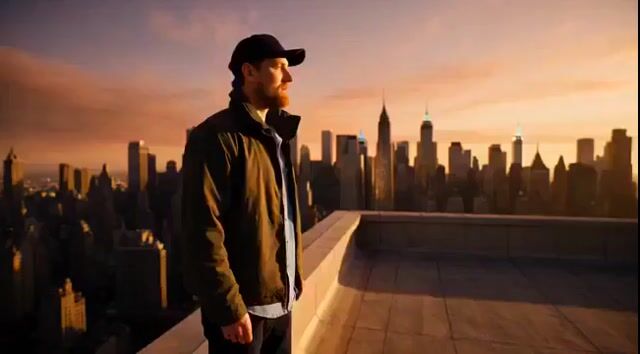
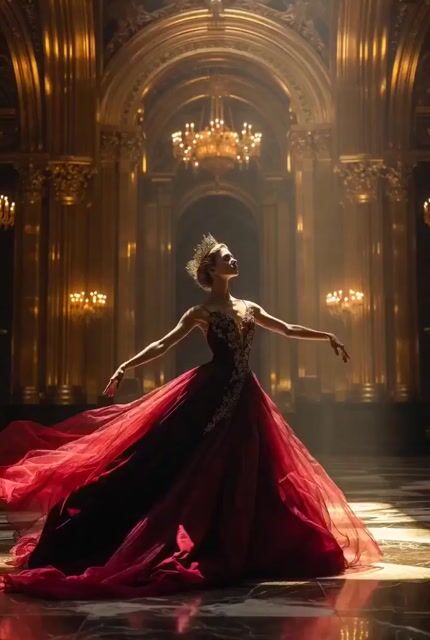
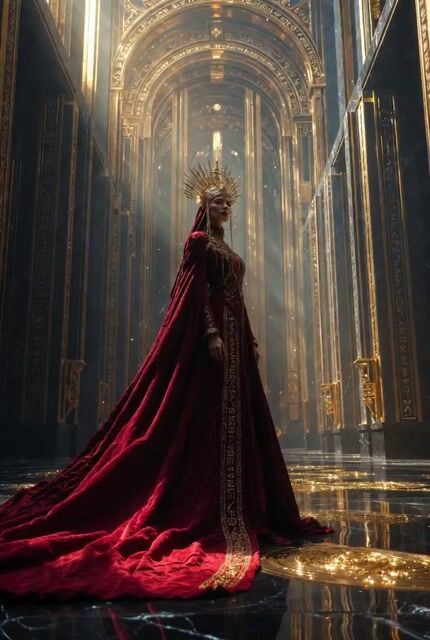
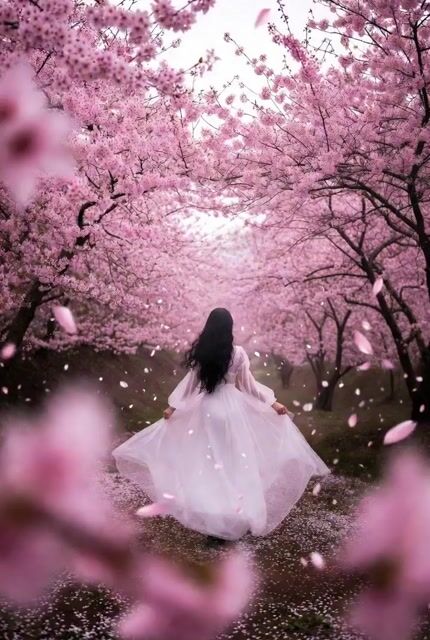
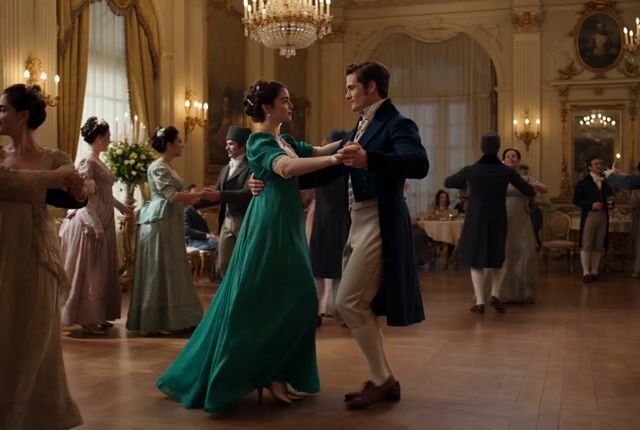
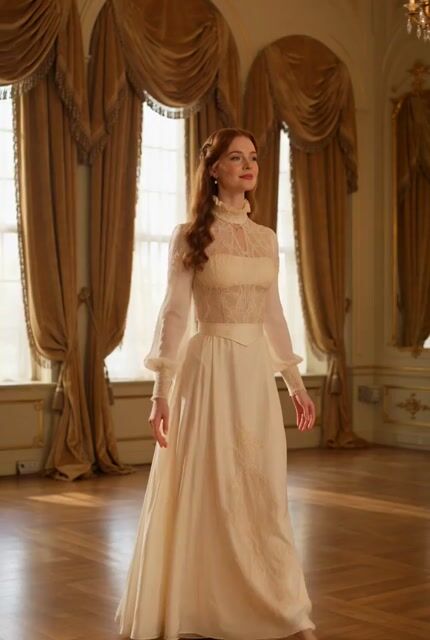
Use the background of @image1. A scene where three people are lined up and posing. Cinematic lighting. The three people are moving naturally and changing poses. The moment a shutter sound suddenly rings, time completely stops, and the movement of the three people freezes. The scene at the moment of stopping changes like a snapshot photo, and a framed image resembling a printed photograph is displayed on the screen at an oblique angle.
**After the snapshot is displayed, the still image state where all movement is completely stopped is maintained. Neither the people nor the background move at all. Maintain a complete freeze frame until the end of the video.
**Glossy photo texture, slight film grain, stylish atmosphere like an advertisement photo, shallow depth of field, cinematic composition, ultra-high definition.