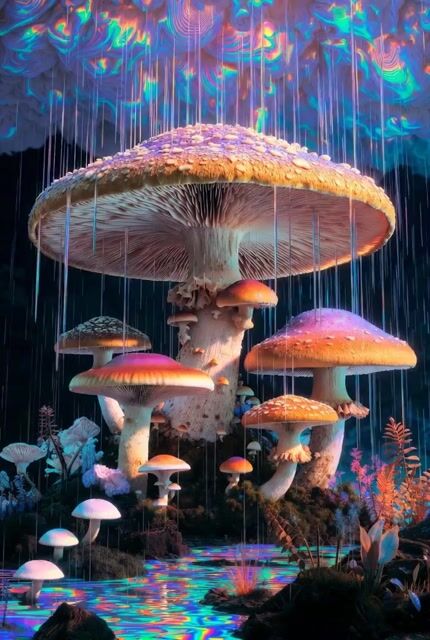
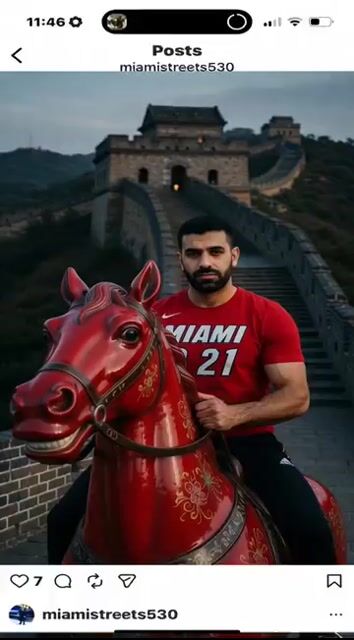
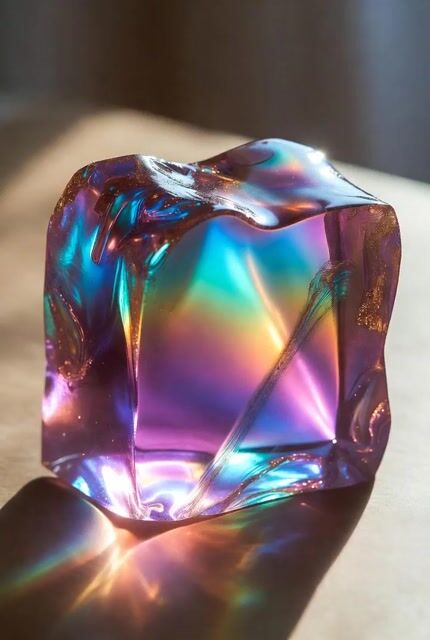
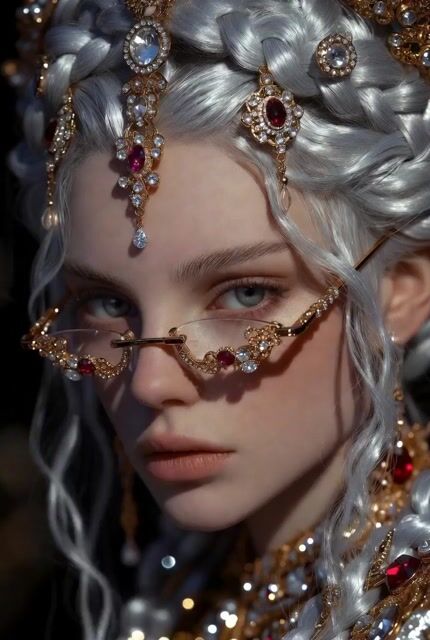
Add Digital CG Style to Image 1 [@Image 1], Without Changing
What this prompt does: Produces a ugc talking head video using Grok Imagine. Style cues: wide-angle, cinematic. Sourced from a verified fair-citation repository (てつ($BCH💎🚀🌙)ビットコインHODL) and reproduced here unchanged with full attribution per the source license.
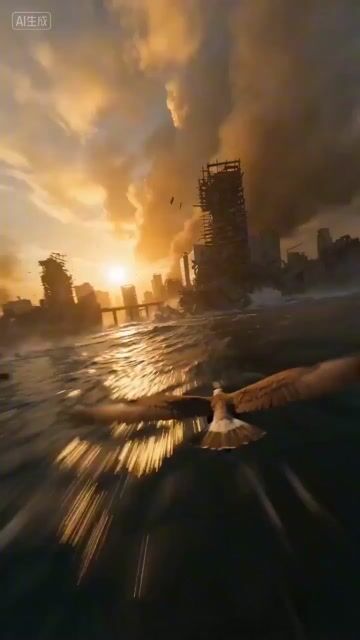
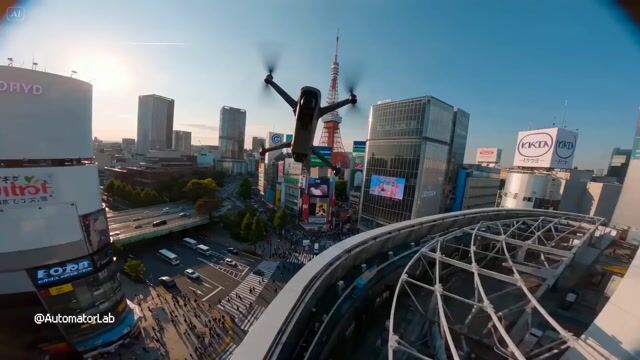
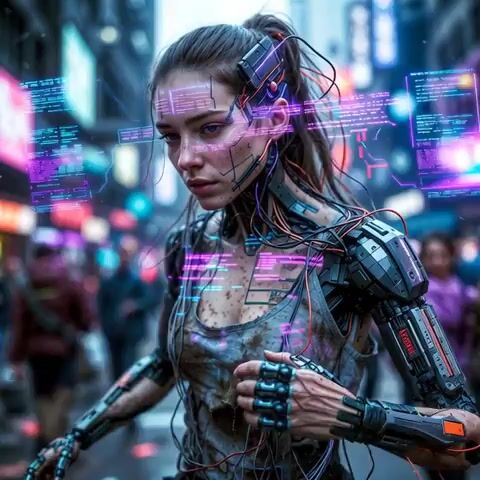
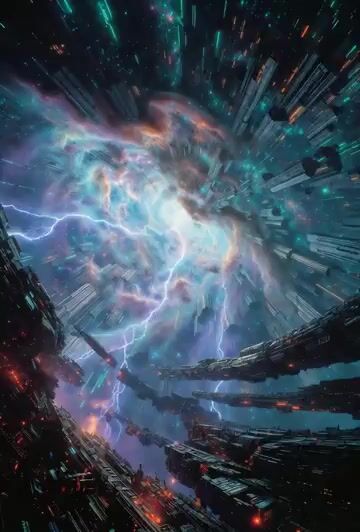
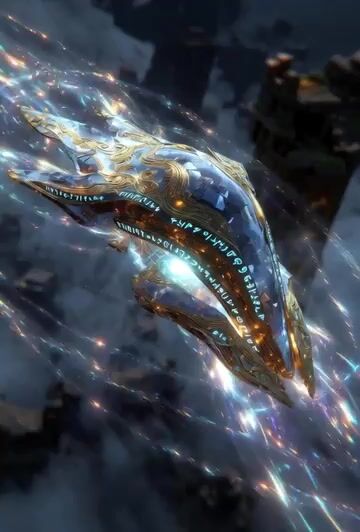
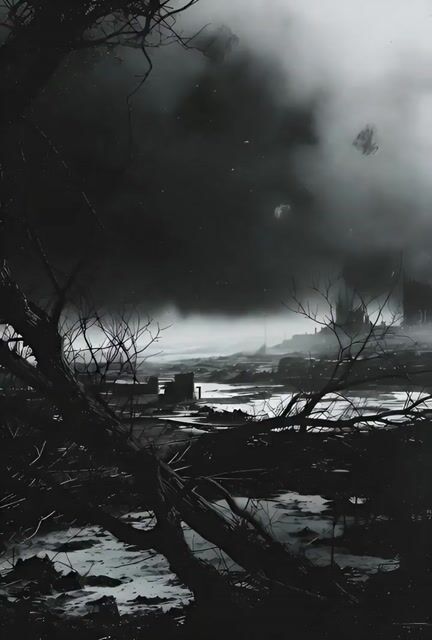
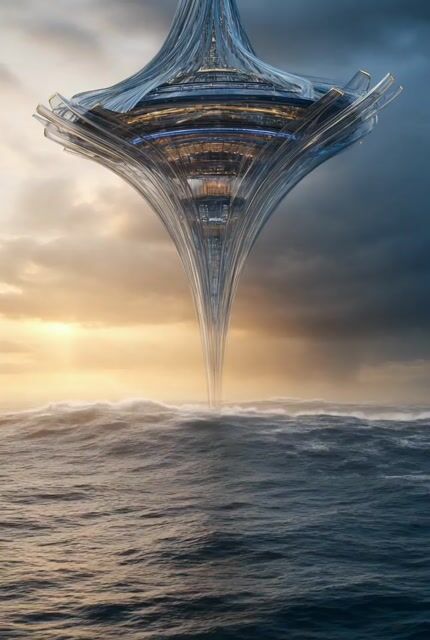
Add digital CG style to Image 1 [@Image 1], without changing the terrain, UES rendering, ultra-wide-angle composition, full of mystery and intricate details of swirling clouds and mist, foreground dotted with splashing willow leaves, dynamic blur, sky covered by clouds and mist, raging wind, full of tension, magnificent and vast, willow leaves flying everywhere, an extremely oppressive scene. FPV ultra-high-speed lens, flying over the mountain ridge of Image 1 [@Image 1] and diving down past the treetops, passing through the thick jungle mist below, a large river looming in the mist, the camera spiraling down, narrowly missing trees, the wind howling past, flying all the way to the riverbank, the river surface misty, the camera panning and moving towards the bridge on the right, flying 50CM above the water surface, skimming through layers of river mist, a cross-river bridge [@Image 2] in the mist...