Travel Photo Calendar Design
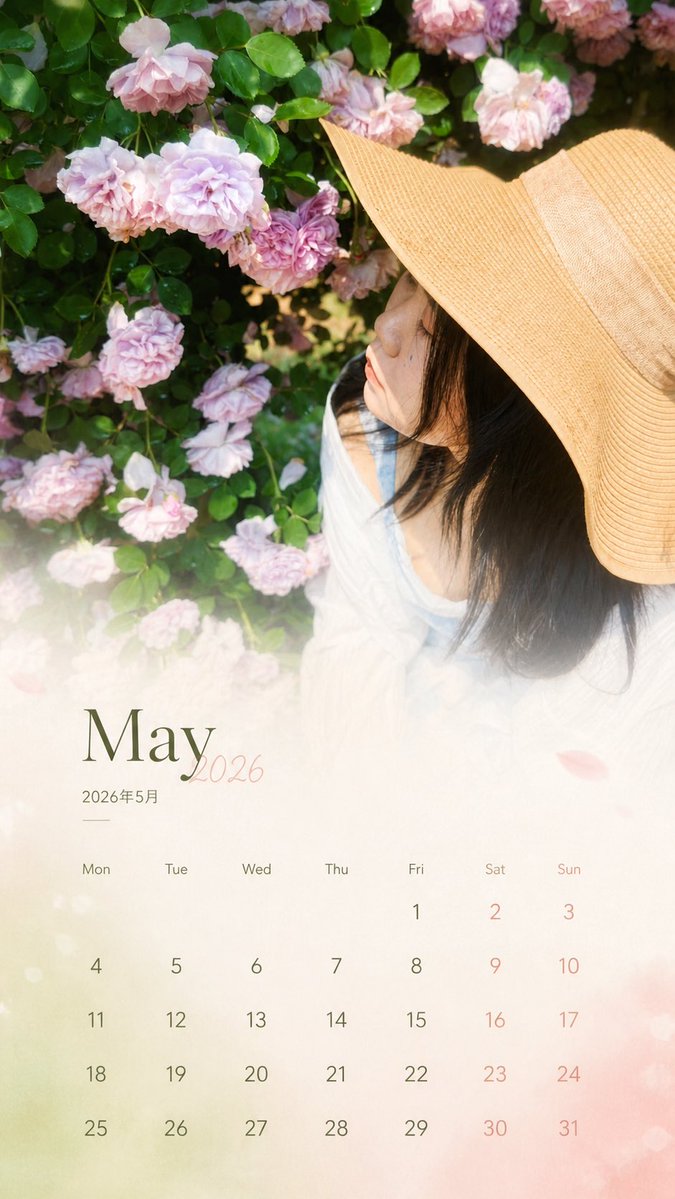
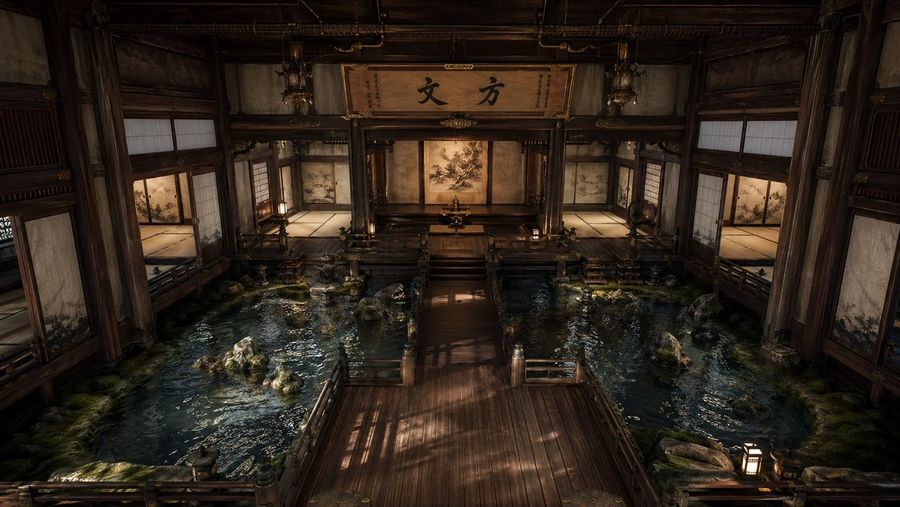
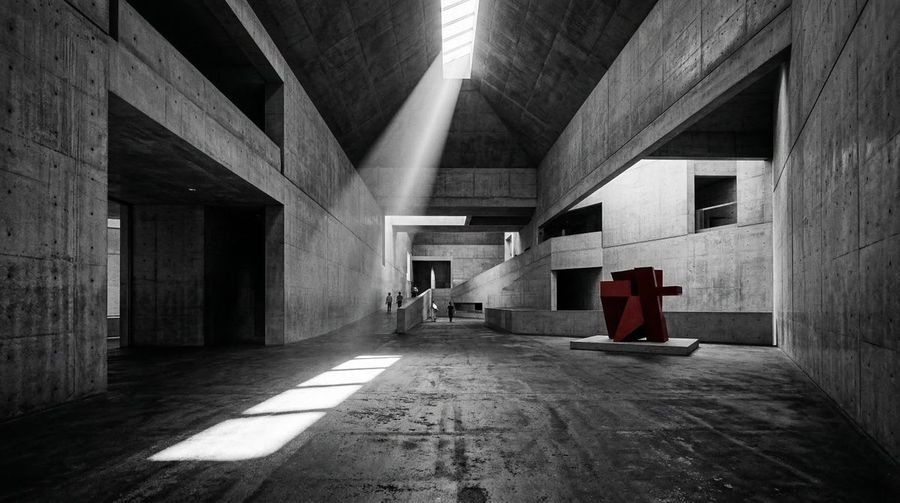
What this prompt does: Produces a architecture interior image using GPT Image 2. Style cues: cinematic, dramatic. Sourced from a verified fair-citation repository (蜡笔进化论) and reproduced here unchanged with full attribution per the source license.
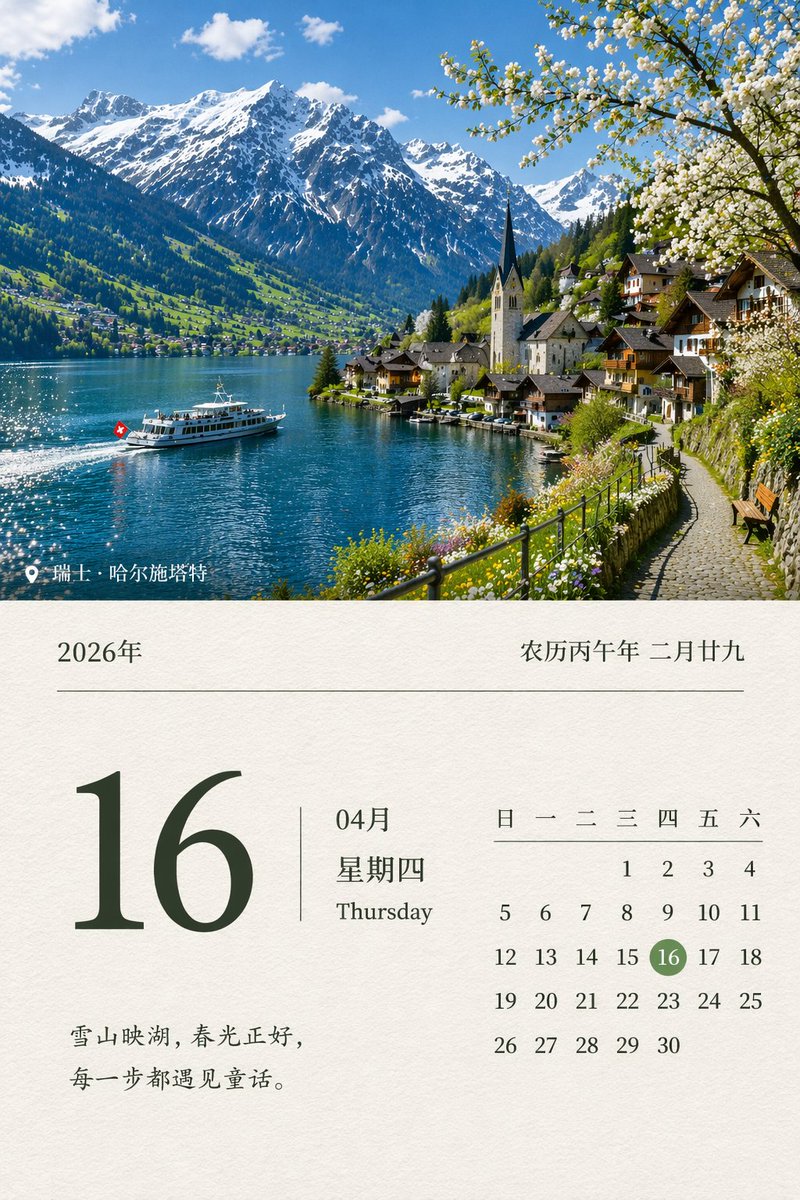
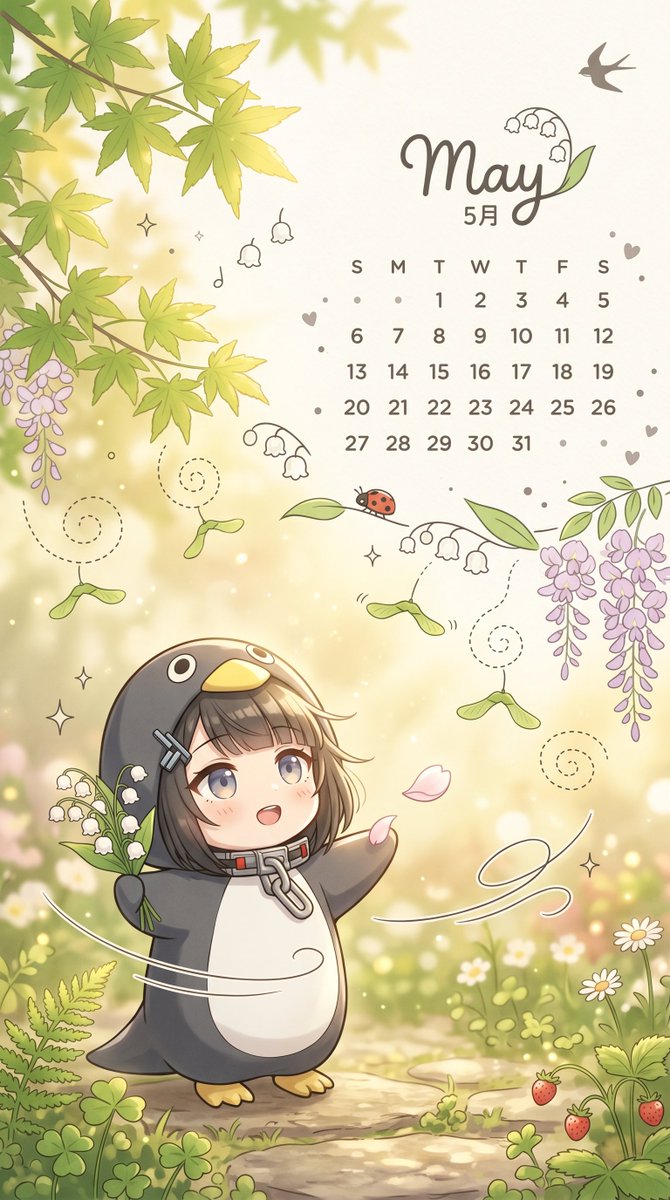
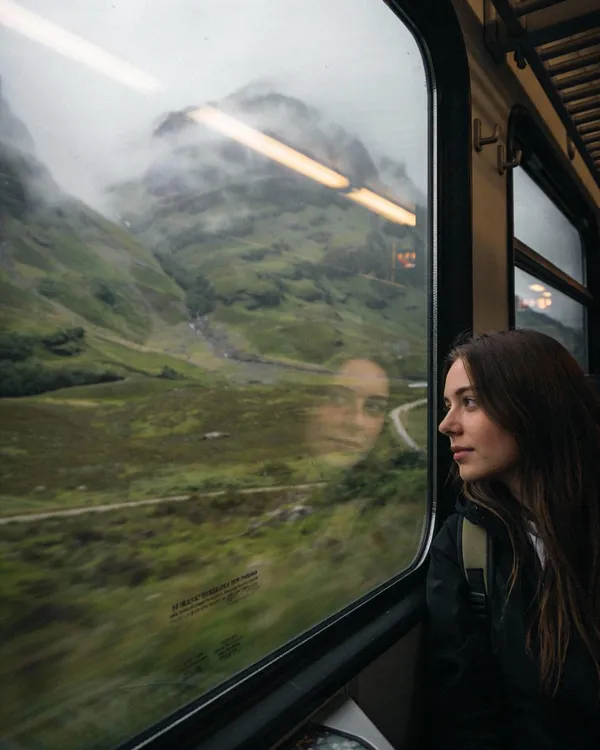
Based on the real travel photo I uploaded, generate a 9:16 aspect ratio 'Monthly Calendar Card'.

[1. Execution Method (Most Important)]
This is a photo editing task, not a regeneration. You must use the original photo as the base layer:
- Keep the person's features, expression, hairstyle, and posture completely unchanged.
- Preserve original lighting, color temperature, and shadow relationships.
- No skin smoothing, brightening, repainting, or stylization.
- Do not change environment, composition, or color atmosphere.
- The original photo must look untouched.

[2. Permitted Operations (Overlay Only)]
Only design layers may be added over the original photo:
- Gradient extension on the bottom 30% (for the calendar).
- Soft translucent mask (to ensure text readability).
- Calendar layout + Month Title + Copywriting.
Prohibited: Repainting subject/background, changing overall tone, or applying design filters.

[3. Color Rules]
Colors must be extracted from the current image (main/secondary/accent colors). Only slight desaturation and brightness unification allowed. Maintain authentic color feel.

[4. Layout Structure]
Top 70%: Original photo (untouched).
Bottom 30%: Gradient + Calendar area (natural transition). Must look like a magazine page, not a template calendar.

[5. Calendar Content]
Automatically generate the corresponding year and month:
- Title: {argument name="date title" default="July 2026 / 2026.07"}
- Days: Mon Tue Wed Thu Fri Sat Sun
- Dates: Arranged according to a real calendar, strictly aligned.

[6. Copywriting Rules]
Length: 8-16 characters. Max two lines. No exclamation marks. No clichés or life lessons. Use emotional fragments or atmospheric sentences.

[7. Selection Advice]
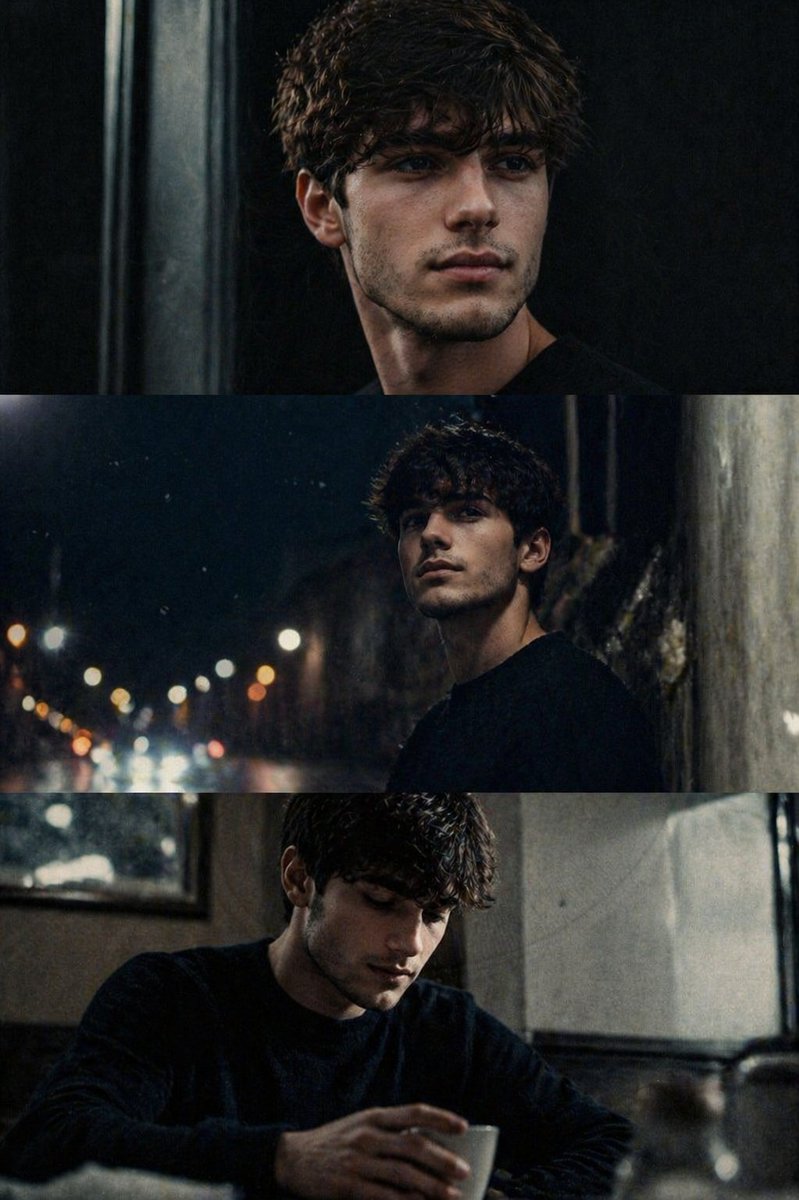
Prefer side profiles, tilted heads, or dynamic movements over close-up front-facing portraits to reduce AI facial distortion risk.

Final Core Rule: Do not make a 'better' photo; lightly place a design layer over the existing one.


![In the Day of [SUBJECT]": Design a 12-Panel (4x3) Cinematic Timeline — Nano Banana Pro image prompt example](https://pub-c5e3d660d0a241c5895facb8ff762e97.r2.dev/media/youmind/nano-banana-pro-12.jpg)
![Anchor: [Uploaded Image]::3 — Nano Banana Pro image prompt example](https://pub-c5e3d660d0a241c5895facb8ff762e97.r2.dev/media/youmind/nano-banana-pro-5113.jpg)

![Fireworks Form the Shape of [SUBJECT] in the Night Sky Above — Nano Banana Pro image prompt example](https://pub-c5e3d660d0a241c5895facb8ff762e97.r2.dev/media/youmind/nano-banana-pro-4639.jpg)